The app
A translator in your pocket
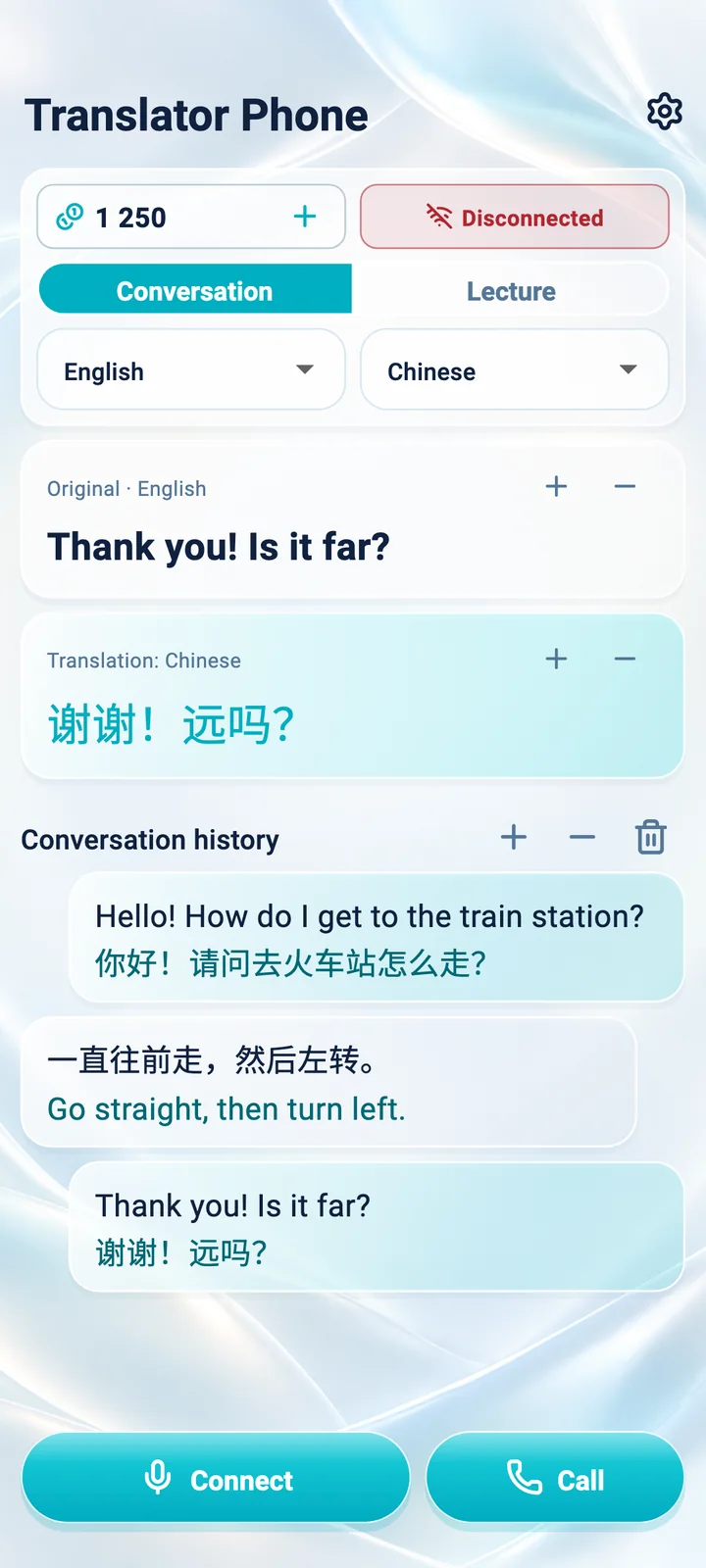
Conversation, Lecture and internet calls in one app. Pick two languages, connect and start speaking.
Features
Built for real conversations
29 languages
Any two of the 29 languages for conversations and calls. Lecture supports fewer languages for now.
Large text
The original and translation stay on screen; resize the text with “+” and “−”.
Voice and speed
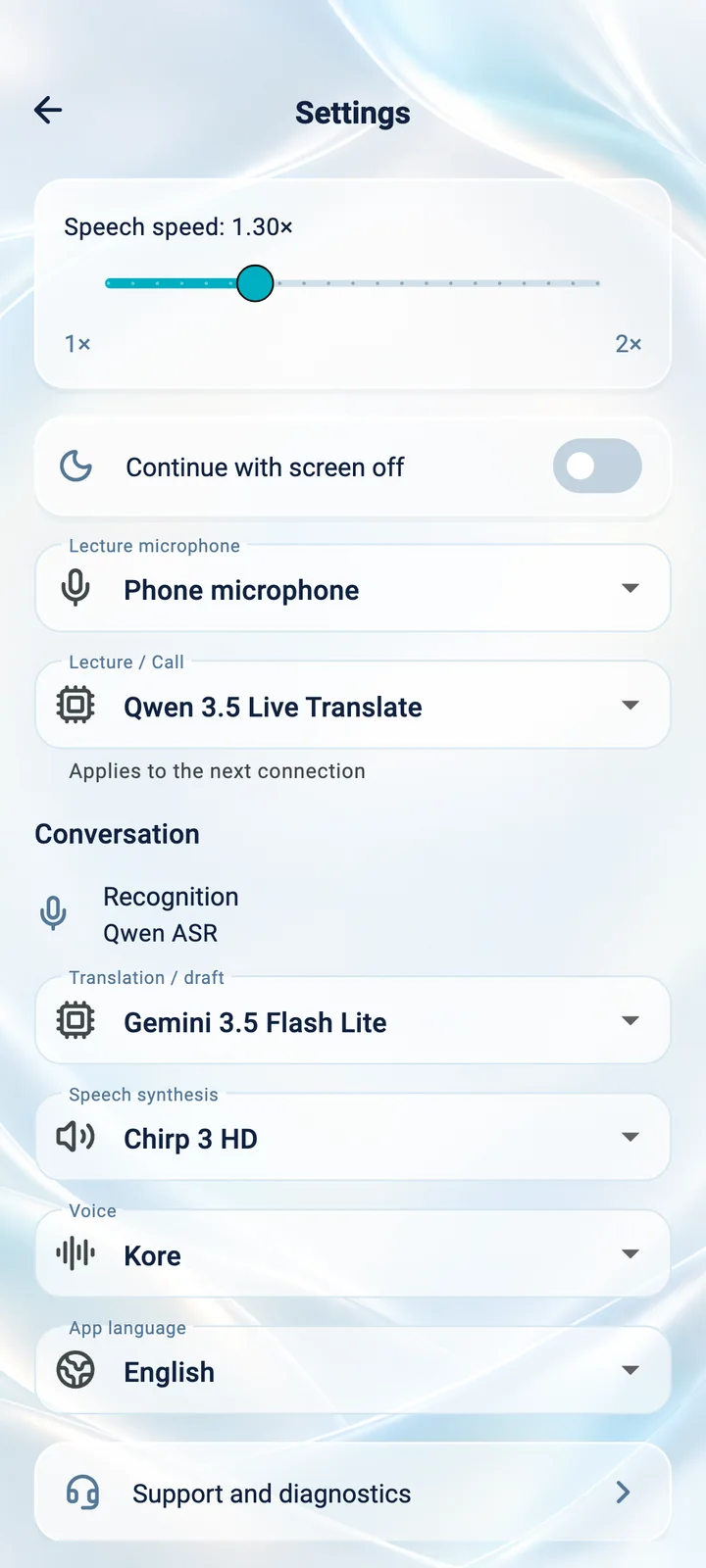
Choose the voice for spoken output and a playback speed of up to 2×.
Conversation history
The current conversation stays on screen while the app is open.
Headphones
Listen to lecture translations on headphones and choose which microphone to use.
Interface in your language
The app’s menus and hints are available in the same 29 languages.
Where to install
Android
Available on Google PlayAndroid 7.0 or later. Availability depends on your country and device.
Open Google PlayiPhone
Not yet availableThe app isn’t on the App Store yet. Email us and we’ll let you know when the iPhone version is out.
Ask to be notifiedGetting started
Getting started
in four steps
- 1
Install the app
Get Translator Phone on Google Play for a smartphone running Android 7.0 or later.
- 2
Sign in
One account and one credit balance across the app, the device and My account.
- 3
Choose a mode and languages
Conversation, Lecture or a call, plus two languages. Allow microphone access.
- 4
Start speaking
Begin with a short sentence, listen to the translation and check the text on screen.
For now, the Google Play version only lets you sign in to an existing account: creating new accounts is temporarily unavailable. Email us and we’ll let you know when sign-up is back. admin@veliksoft.com